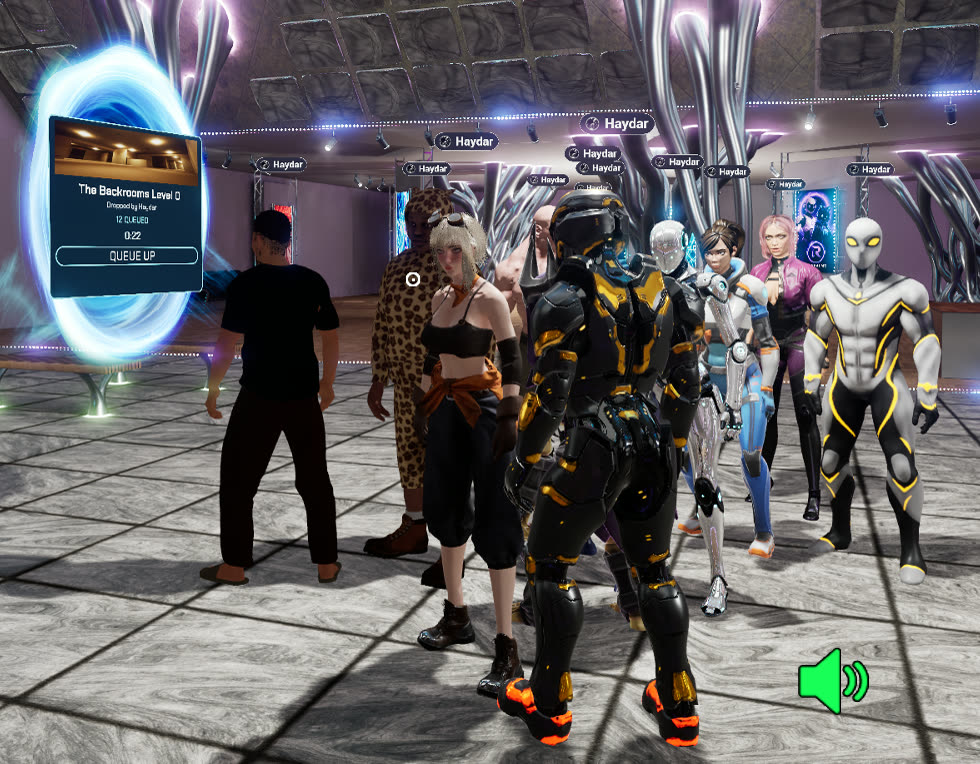
Worlds link through portals
You spawn into a persistent hub on dedicated servers. Land, find people, party up. Drop a portal to any Workshop map and the whole crowd queues with you. Host migration keeps the session alive when the host bails.
All of this is in the game right now and gets used every Sunday when the community gets together. The screenshots are raw in-game captures.
You spawn into a persistent hub on dedicated servers. Land, find people, party up. Drop a portal to any Workshop map and the whole crowd queues with you. Host migration keeps the session alive when the host bails.
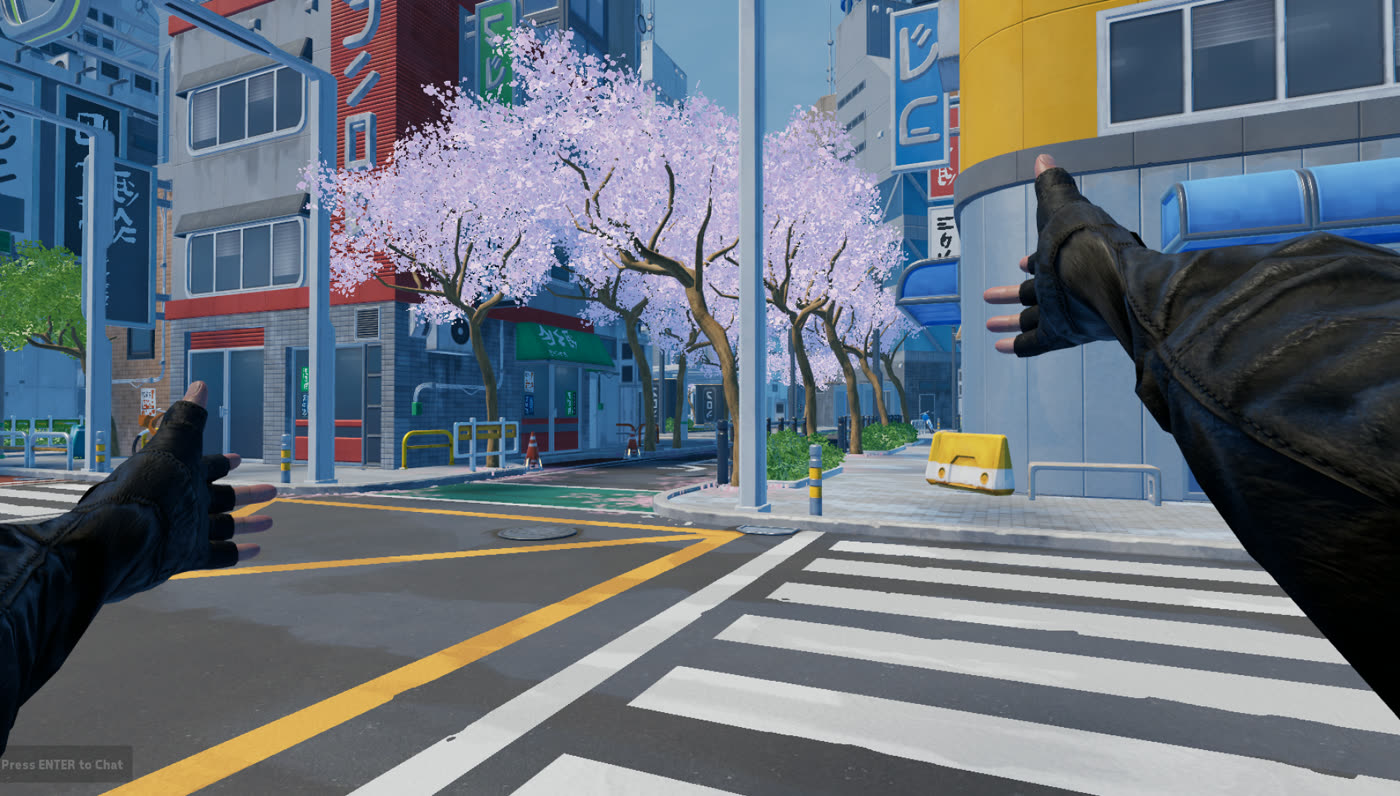
Every map comes from Steam Workshop. Build it in Unreal, publish with one button, host it from your wrist menu. Friends join through Steam invites.
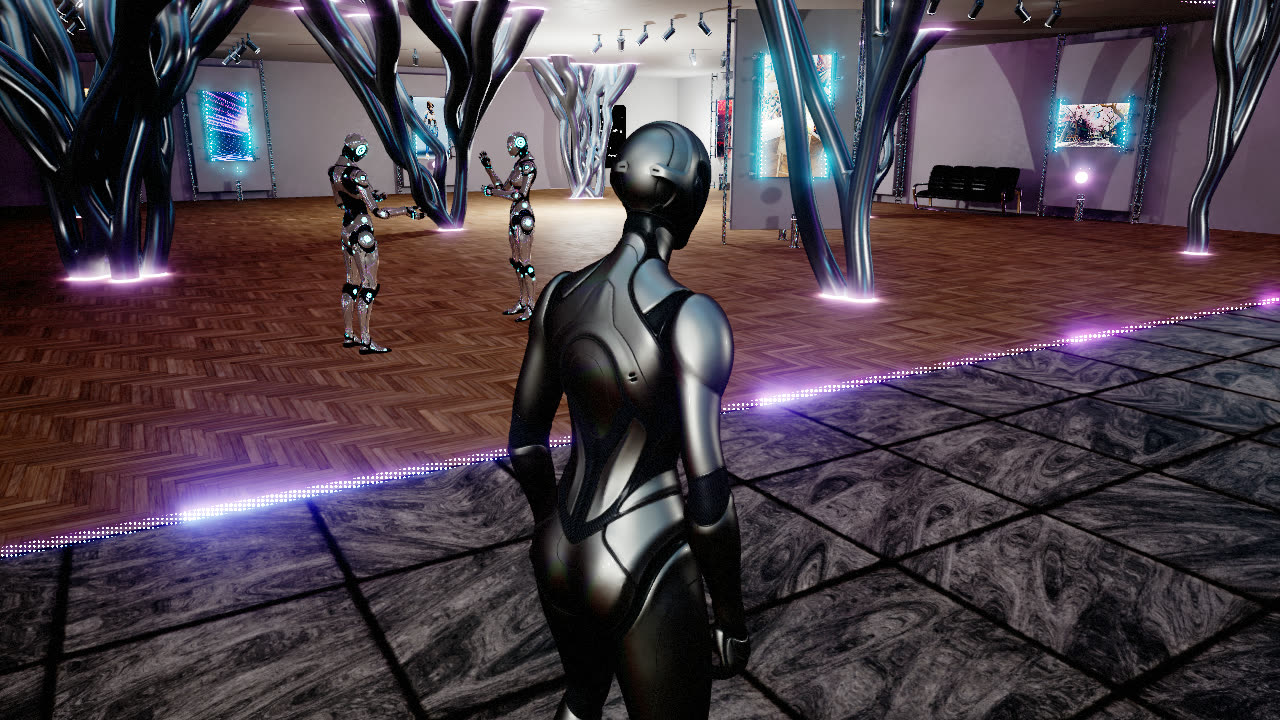
Subscribe to any Workshop avatar on Steam and equip it in-game, driven by full-body IK. Your pick is saved across sessions.
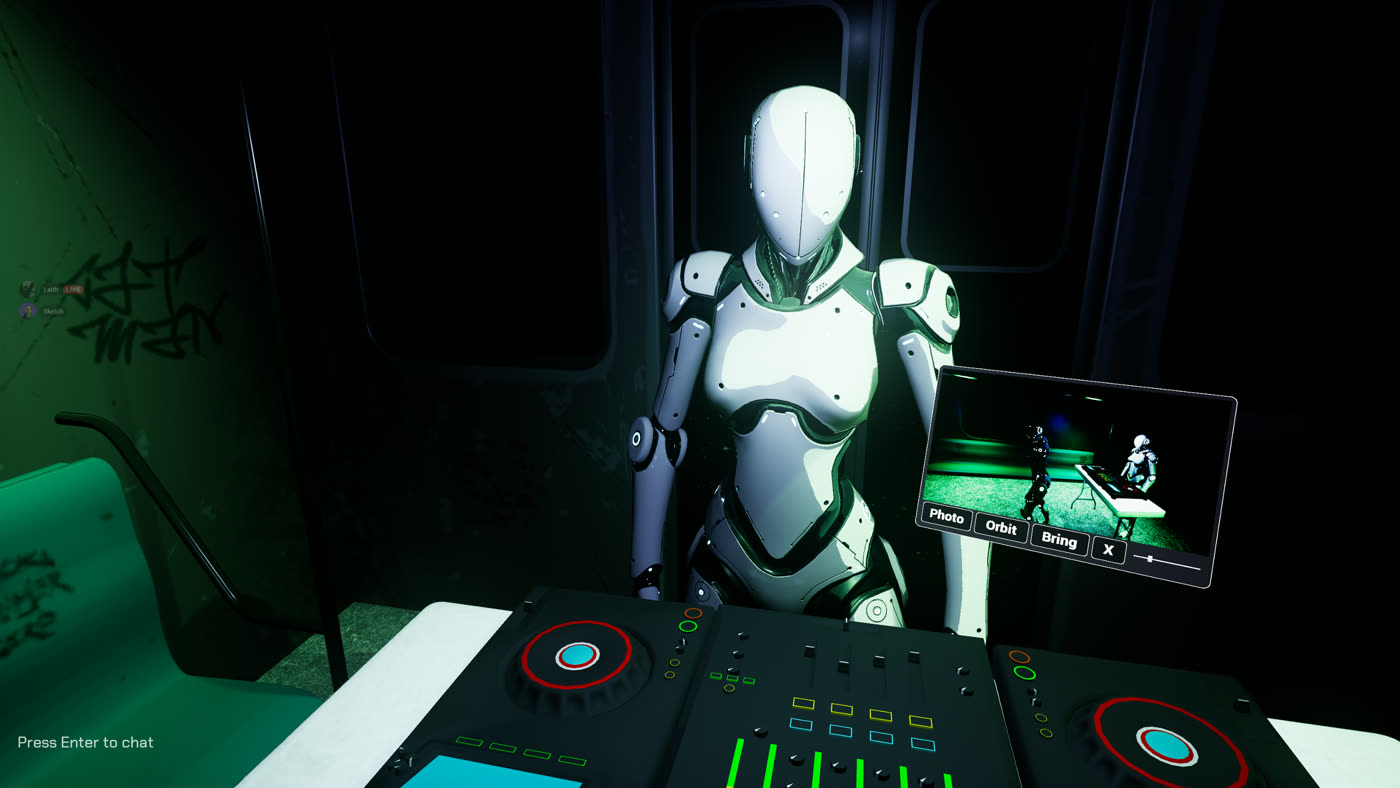
An in-game camera you fly yourself, with a clean feed in its own window for OBS. No plugin, no capture card. Text chat and proximity voice are built in.
If you already work in Unreal, you’re three steps away from shipping content people can play.
This is what works in the alpha today, not a list of things I hope to add.
Runs on Steam Deck flatscreen ~50 fps. Headset optional.
Quest Link · Air Link · Index · Vive · OpenXR / SteamVR
The ones that come up most in the hub and on Discord, with where to go next.
A PC with Steam. A headset is optional: there is a full desktop mode with mouse and keyboard or a gamepad, and desktop and VR players share the same worlds. In VR the game runs through SteamVR, so Quest over Link or Air Link, Index and Vive all work. It does not run on a headset by itself. Settings and controls
Yes. Playing is free and so is everything the community publishes. If you want to support the game there is an optional supporter subscription with cosmetic extras. None of it buys an advantage.
The hub is always open, and it is busiest at events. Community night is every Sunday at 6:00 PM Pacific, and the events page lists what is coming. Discord posts when the hub starts filling up and before each event, so that is the easy way to catch a crowd.
On desktop, Esc opens the menu, Tab opens the quick wheel and Enter opens chat. In VR, click a thumbstick for the quick wheel, then point at a slot with your other hand and pull the trigger. Chat, your mic and your avatar are all on that wheel. Settings and controls has every button.
Your microphone starts off. Turn it on with Microphone Enabled in Settings, or press V on desktop. If it still does not work, type /voice in chat to see what your mic and speakers are doing, and /voice reset to put your audio back to its defaults. Voice and chat
Yes. Wear three SteamVR trackers, one on your waist and one on each foot, give them their roles in SteamVR before you launch, and calibrate once in game. Without trackers nothing changes. Full body tracking guide
Everything comes from the Steam Workshop. Subscribe to an avatar on Steam and equip it in game. Worlds are in the world list in the menu, or walk through a portal someone dropped in the hub. Playing with friends
It is off by default and stays hidden until you turn it on. Get the free VR Realms Mature Content DLC on Steam, then confirm once in game that you are 18 or older. How mature content works
They float around the hub. Walk into one and it is yours. Some events have their own, and you can only find those while the event is live. Your collection is in the menu under Supporter. The hub
Grab the log first if you can, Sending a log shows where it lives. Then post in the bug reports forum on Discord or use the report form. Say what you were doing and whether you were in VR or on desktop.
Unreal Engine 5.8, the free Creator Kit and a Steam account that owns VR Realms. The kit is a ready made Unreal project with a publish panel under Tools. Start with the docs
Yes. Screens, a jukebox, a car and things you can pick up are chosen from a dropdown, with no Blueprints and no networking work: see interactive props. When you want more, the scripting API is enough to build a whole game in Blueprints, and deathmatch, volleyball and soccer are game modes you can drop in. C++ is the one thing a Workshop item cannot carry.
Yes, as long as it is yours. Any humanoid rig works, whatever its bones are called, and extras like tails, ears and hair move on their own. There are guides for any humanoid rig, VRoid and VRM and MetaHuman.
Check what the skeleton needs first: a normal humanoid layout at roughly human size. If a rig with Mannequin bone names comes out with a twisted neck or limbs, open Advanced in the Avatar panel, press Map Community Rig and Build again. Still stuck? Post in the creator kit help forum on Discord and say which tool the rig came from.
Yes. Build moves your map and everything it uses into its own folder under Content/VRRealms/Community/Maps, so your pack holds exactly what the level needs. Nothing is lost. Keep working in that folder from then on. See what Build does with your files and starting a second map.
New items are checked before other players can see them, which usually takes a day or two. Anything you subscribe to works for you straight away, so you can test at once. Also open the item on Steam and make sure its visibility is Public. Build and publish
Aim for 90 FPS in a headset on a mid range PC. Bake your lighting, leave Nanite off because it does not work with the VR renderer, give large meshes LODs, and keep one item under 700 MB. Performance and safety
No. Your maps and avatars live in Content/VRRealms/Community, and kit updates never touch that folder. Most releases install with the VRR Updater that comes in the kit. Updating the kit
I’m Sketch. I build VR Realms on nights and weekends around a day job. The netcode, the things that break, and the fixes all end up on YouTube.
I build the systems. Players build the worlds. Come by on a Sunday and the person taking your bug report is me.
Watch the devlogsDiscord is where everything happens. Session times, events, and me answering questions.
Play free on Steam