Guides
Build a Workshop Map
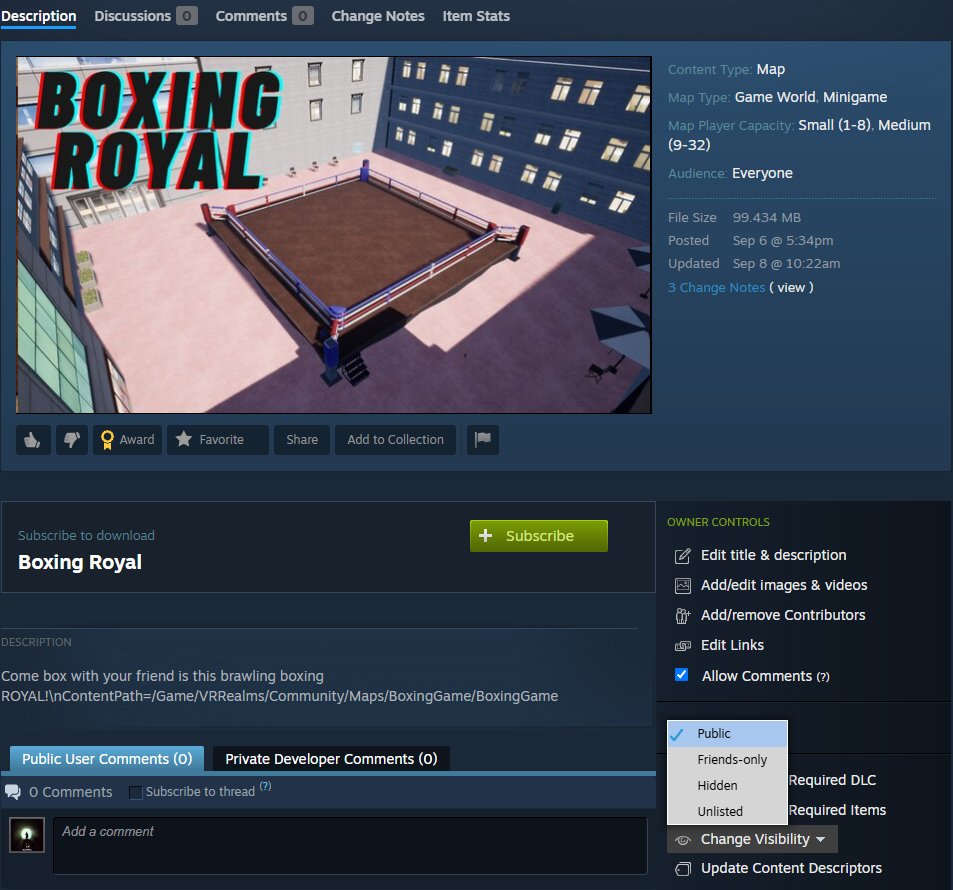
Maps are UE 5.8 levels packaged as Steam Workshop items. Players subscribe; VR Realms downloads the .pak, mounts it, and travels everyone in.
Approval. Publish to Steam and your map shows up in VR Realms for everyone within about half an hour, with a Not verified badge on its card. The badge goes away once the team has checked it. A map you upload again gets the badge again until that version is checked. A map marked Mature stays behind the mature unlock. New in 0.3.3, the next update. Avatars still wait for a check before other players can see them. Questions: Discord
#workshop-support.