
Build a Map
Cars
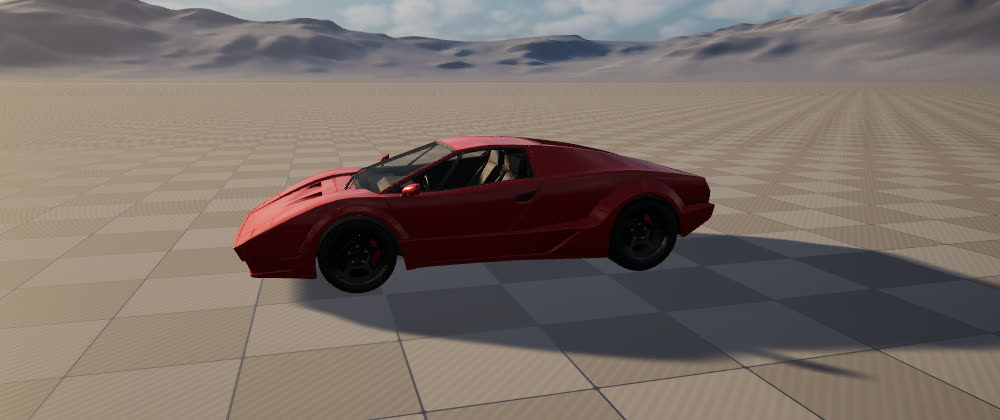
Two ways to get a car
- The ready made sedan. Set a mesh or Target Point's Item to Drivable Car, under Vehicles. Place it where the car should start.
- Your own car. Any rigged car mesh, from the steps below.
1. What your mesh needs
- A skeletal mesh, with its front facing +X and Z up.
- A bone for each wheel, with wheel, tire or tyre in its name, placed at the centre of the wheel. Names like
Wheel_Front_LeftorB_Wheel_FLboth work. At least 3. Six or more work too. - The bottom of the tyres at the bottom of the mesh: the game reads a wheel's size from how high its bone stands.
- A Physics Asset with a body on the root bone. Right click the mesh, then Create, then Physics Asset, if it has none.
Most car packs that were made to drive already have all of this. A pack's old Blueprints do not matter: only the skeletal mesh is used.
2. Make it a car
- Drag the skeletal mesh from the Content Browser into your level, a little above the floor, facing the way the car should start.
- Select it. In the Details panel, under VR Realms, tick Drivable car.
- Read the line under the box. Ready to drive names the wheels it found. If it says the mesh will not drive yet, it says why.
- Build and Play Map in the Workshop panel, as for any map. The Build moves the car into your map's folder.
Leave the mesh at scale 1: a car's wheels do not scale with its body, so the game drives it at the mesh's own size.
3. Set how it drives
These rows appear once Drivable car is ticked. Leave any of them alone and the car gets the normal value.
| Row | Normal | What it does |
|---|---|---|
| Top speed (km/h) | 160 | How fast the car can go. 60 is a go-kart, 300 a race car. A high top speed takes a long straight to reach. |
| Acceleration (%) | 100 | How hard it pulls away. The same whatever the car weighs or its top speed. |
| Brakes (%) | 100 | How hard it stops. |
| Steering (degrees) | 40 | How far the front wheels turn. Higher turns tighter and spins more easily. |
| Tyre grip (%) | 100 | 60 slides like ice, 150 sticks to the road. |
| Suspension (%) | 100 | Lower is softer and bouncier, higher is stiffer. |
| Weight (kg) | 0 = from its size | 0 lets the game work it out from the size of the mesh. |
| Driven wheels | All | All, Rear or Front. |
| Engine sound | The game's engine | A looping sound of yours, kept in your map's folder. Its pitch follows the engine. It plays on the SFX slider. |
Back to a normal car resets them all. Change one number, Build, Play Map, and try it: that is the quickest way to find the feel you want.
4. Seats and the steering wheel
With no seats marked, the game guesses four from the car's size. To place them yourself, open the Skeletal Mesh or its Skeleton, add sockets where a rider's eyes should be, and name them:
VRRSeat_Driver, thenVRRSeat_1up toVRRSeat_7for passengers.VRRExit_LandVRRExit_R: where riders stand when they get out on that side. Optional.
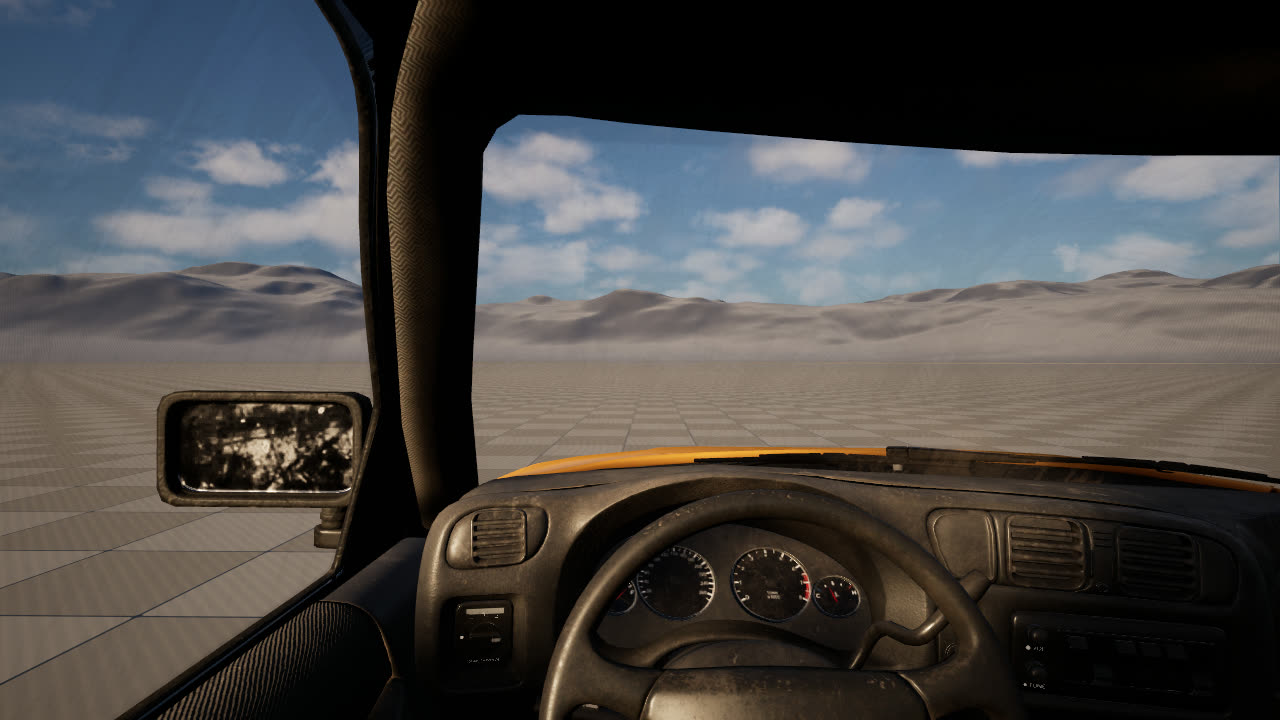
Up to 8 seats. A bone with steer in its name is turned as the steering wheel. Wheels spin, steer and move on their springs by themselves, with nothing to animate.
5. How players drive
| Headset | Keyboard | Gamepad | |
|---|---|---|---|
| Get in, get out | A | E | Y |
| Accelerate | Right trigger | W | Right trigger |
| Brake, then reverse | Left trigger | S | Left trigger |
| Steer | Left stick | A and D | Left stick |
| Handbrake | Space | X | |
| Flip a car back over | Hold A | Hold E | Hold Y |
Walk to a door to pick that seat. The driver's door drives, the others ride. A car on its roof or side flips back onto its wheels where it lies, from inside it or standing beside it.
Tags
The box only writes actor tags on your mesh, and you can type them yourself in Details, under Actor, Tags. VRCar alone makes a normal car. Add any of these:
VRCar.TopSpeed.120,VRCar.Accel.150,VRCar.Brakes.100,VRCar.Steer.40,VRCar.Grip.100,VRCar.Spring.100,VRCar.Weight.1500VRCar.Drive.All,VRCar.Drive.RearorVRCar.Drive.FrontVRCar.Sound./Game/VRRealms/Community/Maps/MyMap/EngineLoop
Good to know
- Up to 8 different cars in a map. Any number of copies of a car count as one.
- Your map holds only the mesh and its tags, so a car you upload keeps working as the game grows.
- Every player in the session sees the car move, and passengers ride along. The driver's input reaches the host over the network, so on a slow connection the car answers a moment late.
- Cars are for your own maps. They do not appear in the hub.
- A car counts toward your map's upload size, textures included.