Create · Step 4 of 6
Add things
Screens, mirrors, guns, game modes and things to grab. You drag them in, ready made. No code.
| You will make | A TV with its control bar, and a thing players can pick up and throw. |
| You need | The level from step 3. |
| Code needed | None |
Steps
1. Open the VR Realms page
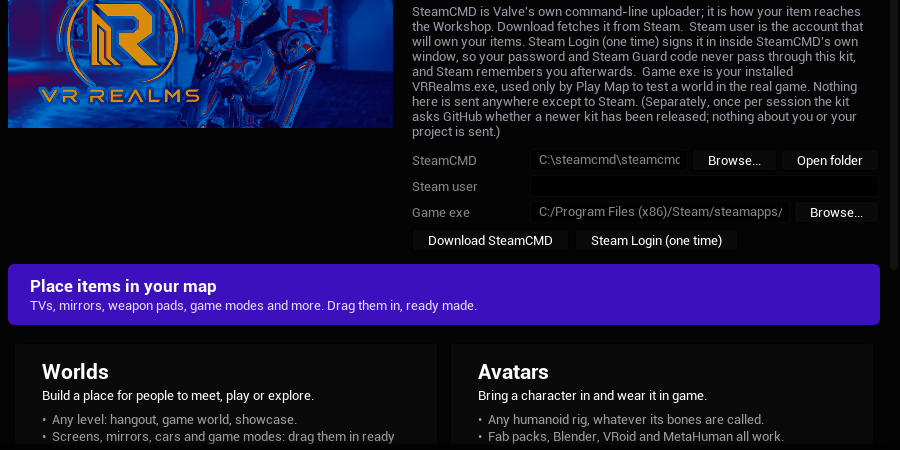
The kit opens the Place Actors panel on its Realms page when it starts. Closed it? Press the purple button Place items in your map in Tools → VR Realms Workshop.
2. Drag in a TV
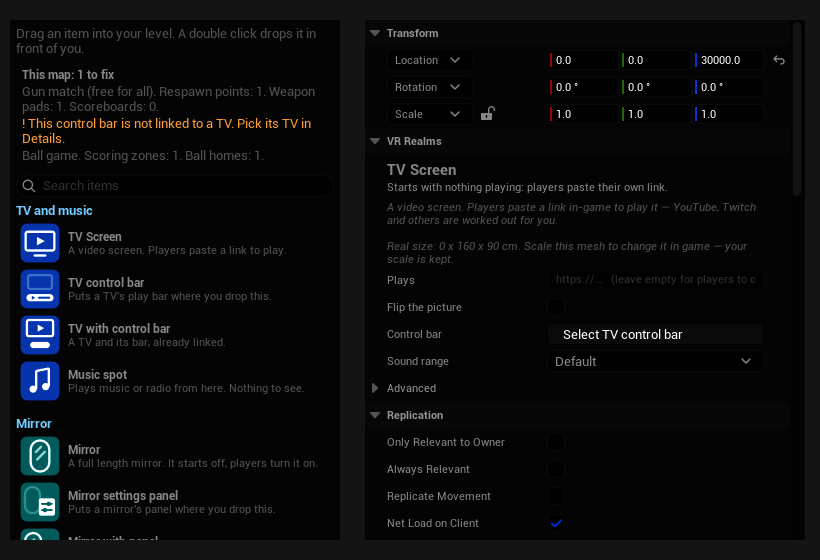
Under TV and music find TV with control bar and drag it into your level. A double click drops it in front of you. The grey box is the real size of the TV, and its arrow shows the side the picture is on. The bar arrives already linked to the TV.
3. Say what it plays
Select the TV. Details says in one sentence what it will do. Paste a link into Plays, or leave it empty and players paste their own. What you rarely need waits under Advanced.
4. Make something grabbable
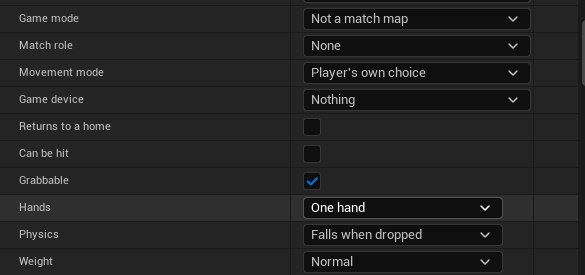
Drag any mesh from your Content Browser into the level: a ball, a cup, a prop from a store pack. Select it and in the VR Realms part of Details tick Grabbable. Rows for hands, physics and weight appear.
5. Read This map
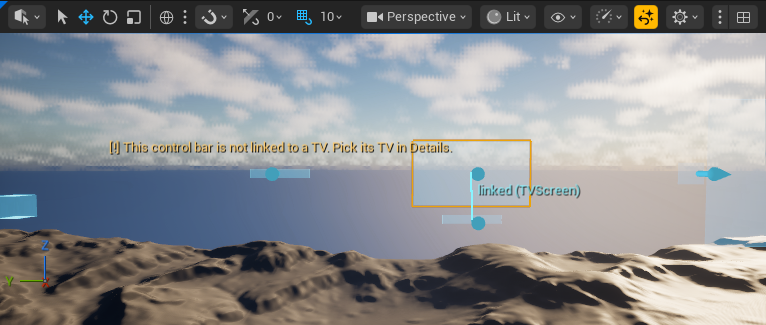
The top of the page lists what your map has and what is missing. A thing that will not work also gets a [!] mark in the level. Click a warning and the kit takes you to it.
What else is on the page
| TV and music | TV Screen, TV control bar, Music spot |
| Mirror | Mirror, Mirror settings panel, Button |
| Drawing | Drawing Board, Marker, Eraser, Spray Can, or all four as a set |
| Weapons | Five weapon pads |
| Gun match | Match rules, respawn points, a scoreboard, health and shield pickups. The starter set drops a whole match at once. |
| Ball games | Scoring zone, Ball home, Round rules |
| Movement | Movement zone |
| Map | Map settings, Drivable car |
Something went wrong?
I do not see the Realms page
Your kit is an older one. Open the Creator Kit app and take the newest kit, then press the purple button. Maps you made the old way keep working.
A [!] mark stays
Read the mark: it says what to do, for example to pick the TV of a control bar in Details.
The thing I grab does not fall or fly
The mesh has no collision. Open the Static Mesh and add Simple Collision.
Grabbable does nothing
A thing that is an item ignores Grabbable. Use one or the other.